.png?width=200&height=51&name=brandmark-design%20(1).png)

How to Build a Recurring Client Base for Home-Service Businesses How to Build a Recurring Client...
How to Run a Home Service Business Without Manual Invoicing
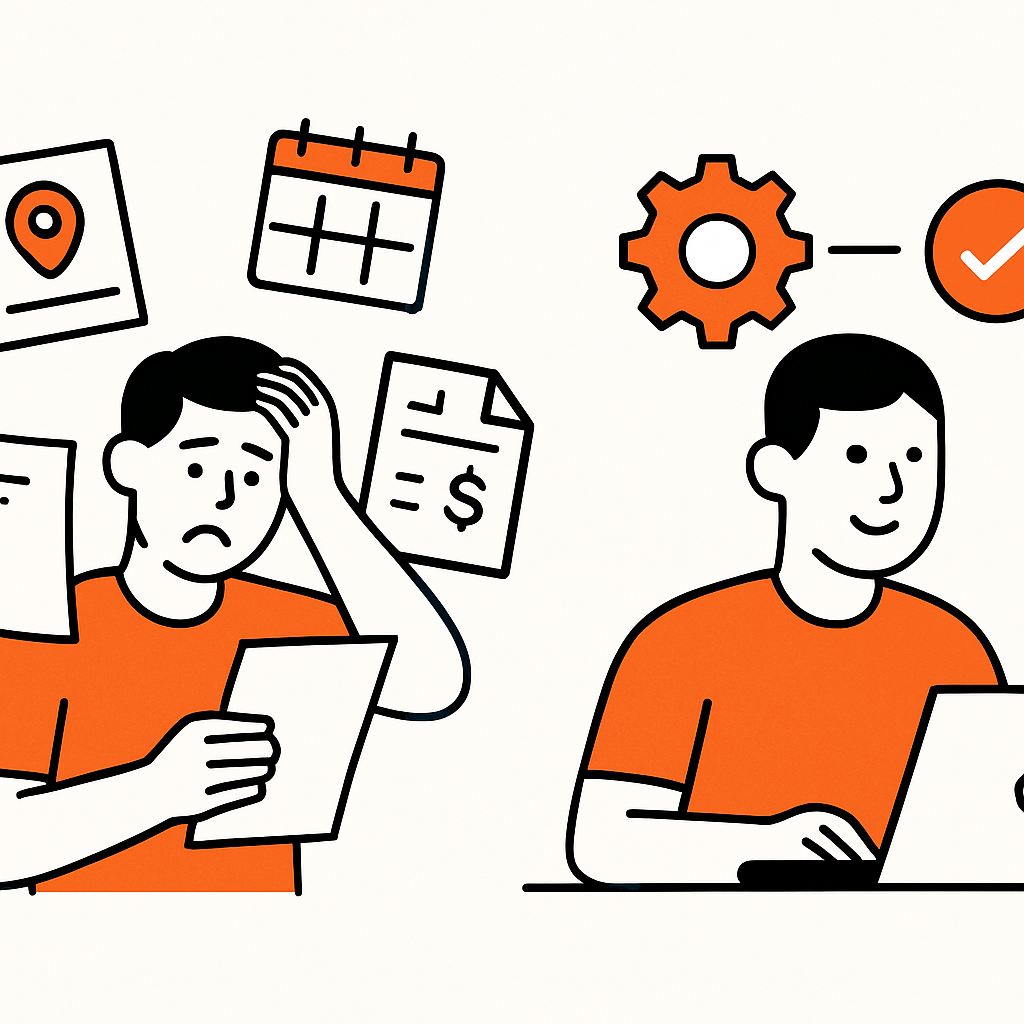
If you’re running a cleaning, lawn care, landscaping, or home maintenance business, you know the drill: after a long day on the tools, you finally sit down… and there it is. That ever-growing pile of invoices waiting to be written, checked, sent, or — let’s be honest — chased.
Here’s the good news: you don’t have to keep doing this manually. You can run a fully functioning, profitable home-service business without ever sending a manual invoice again.
With the right systems in place, invoices can create themselves, send themselves, remind your clients automatically, and even get paid without you lifting a finger. And no, this isn’t just some dream spun by someone who’s never set foot on a job site. It’s already how thousands of Kiwi and Aussie service businesses operate every day.
In this guide, we’ll walk you through exactly how to make that happen in your business—step by step.

Why Manual Invoicing Is One of the Biggest Bottlenecks in Home Services
At first, manual invoicing feels easy enough — until your business starts to grow. That’s when it quietly morphs into a productivity sinkhole.
Some common headaches include:
- Forgetting to invoice after a hectic day onsite.
- Copy-paste mistakes creeping in with prices, labour hours, or GST figures.
- Late payments because clients aren’t getting timely reminders.
- Double data entry juggling details between invoices, quotes, and accounting software.
- Slow cash flow caused by delays in sending invoices in the first place.
Studies show manual invoicing is among the most error-prone admin tasks. For home-service businesses working on tight margins and unpredictable schedules, those little inefficiencies quickly add up to lost time and money.
The fix? Don’t do it manually at all.
The Goal: A Fully Automated Invoicing System
A truly hands-off invoicing system does four key things for you:
- Generates invoices automatically from your job details.
- Sends them to the client with zero involvement from you.
- Offers a simple online payment option.
- Sends follow-up reminders automatically until the invoice is paid.
Automating your entire invoicing workflow helps eliminate human error, cuts down your admin workload, and speeds up cash flow. Lots of Kiwi and Aussie businesses report faster payments and fewer overdue invoices as soon as they make the switch.
Step 1: Start With Automated Job-to-Invoice Creation
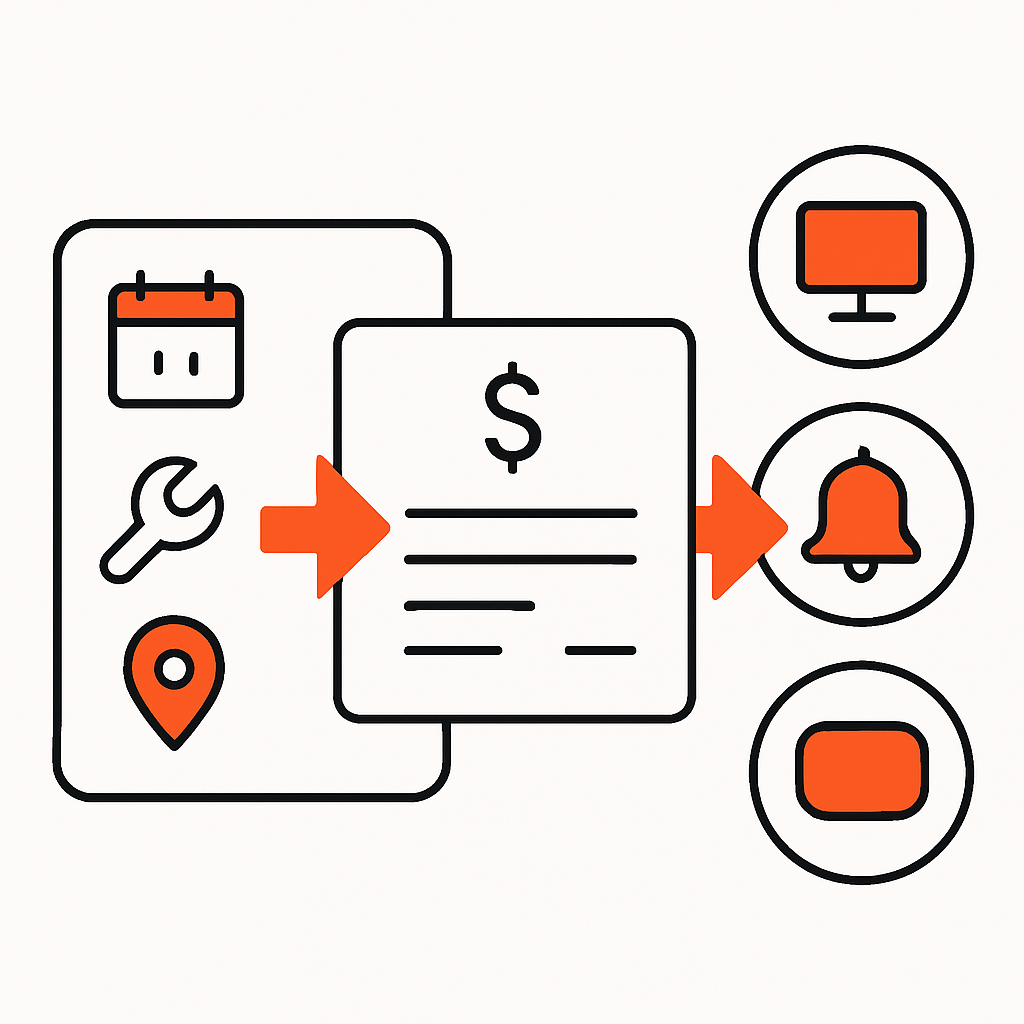
The heart of hands-off invoicing is linking your jobs directly to your billing process. The moment a job gets marked complete, your system should automatically create the invoice based on:
- your service prices
- labour rates
- materials used
- recurring service schedules
No more typing out line items manually—your software should pull all that info straight from the job record.
This is where job management tools like Taskly’s quoting and invoicing features can make a big difference — every job is logged, tracked, and auto-converted into an invoice the moment it’s done.
Step 2: Automate Your Invoice Sending
Gone are the days of saving invoicing “for later” and then forgetting, or cramming it at the end of the week.
The best systems let you decide exactly when invoices go out automatically:
- immediately after job completion
- at the end of each day
- on a regular recurring schedule
Many cleaners and lawn-care pros send invoices weekly or monthly for regular clients, while one-off jobs get invoiced straight away.
Automated sending tidies up your billing process and noticeably speeds up cash flow.
Step 3: Add Online Payment Options
If you want to ditch manual invoicing, you’ll want to ditch manual payments, too.
Adding online payment links boosts on-time payments big time. Instead of your clients logging into their bank and manually entering your details, they just hit “Pay Now.”
Typical payment methods you can offer include:
- credit or debit card
- Apple Pay / Google Pay
- bank transfer with pre-filled payment info
Many Kiwi businesses now include a small surcharge or fee for card payments—and automation makes it easy to apply those consistently.
Step 4: Automate Payment Reminders (Goodbye Chasing Clients)
If sending invoices is a headache, chasing overdue payments is the migraine.
A good invoicing system will:
- send a reminder before the due date
- send another on the due date
- keep following up at set intervals until the invoice is paid
This alone can recover a surprising amount of lost revenue and save you hours of admin each week.
Plus, because reminders come from the system and not you, clients tend to respond better—it’s the difference between a friendly nudge and feeling like you’re the neighbourhood bill collector.
Step 5: Sync Everything With Your Accounting Software
Most home-service businesses in NZ and AU use Xero or MYOB for accounting. A smart invoicing system will sync invoices and payments directly into your accounting software—no more double entry.
This keeps your GST totals accurate, your records clean, and makes tax time so much smoother. Bonus: it reduces the workload for your accountant or bookkeeper, which usually saves you money too.
Recurring Clients? Make Recurring Billing Your Best Friend
Cleaning, lawn-care, and maintenance businesses often rely on repeat customers. Instead of creating individual invoices for every visit, set up:
- weekly billing
- fortnightly billing
- monthly billing
- pre-paid service bundles
The system will automatically send invoices on schedule and can even charge clients automatically if they've saved their card or set up direct debit.
Bonus: Let Customers Book and Pay Online
Want to take automation even further? Let your customers do some of the work for you.
Online booking plus auto-deposit is an easy win for home-service businesses.
Tools like Taskly’s booking management software let customers:
- book a time that suits them
- receive instant booking confirmation
- pay a deposit or full amount upfront
- get an automatic invoice without delay
This cuts out most of the back-and-forth before the job even starts—and frees you up to focus on deliveries instead of admin.
What This Looks Like in Real Life
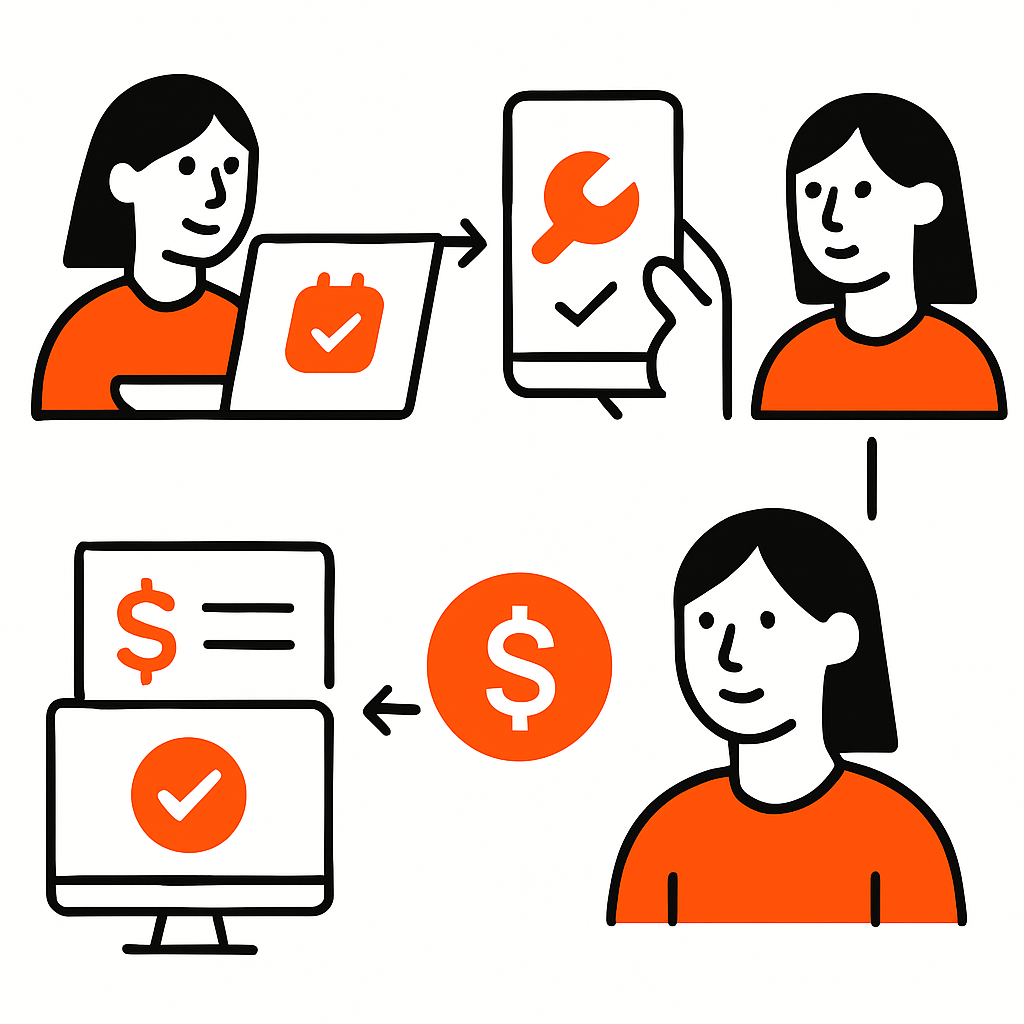
Here’s a typical example of a fully automated invoicing workflow for a NZ or AU cleaning or lawn-care business:
- Customer books online and pays a deposit.
- Job automatically appears in your scheduling software.
- Your team completes the job and marks it finished on the mobile app.
- An invoice is created instantly based on your standard pricing.
- The invoice sends itself to the client within seconds.
- Client pays online with a card.
- Payment syncs directly into Xero automatically.
No typing. No chasing. No end-of-week admin meltdown.
The Tools That Make It Possible
To run your home-service business without manual invoicing, you’ll want a system that combines:
- job management
- quoting tools
- automated invoicing and payment reminders
- online payment options
- field service scheduling
- accounting integration
Taskly brings all of these together in one place—with a design built specifically for NZ and Aussie home-service businesses. Whether you’re a landscaper, cleaner, tradie, or maintenance pro, automated invoicing can save you hours every single week.

Final Takeaways
You don’t ever need to send a manual invoice again—and your business will run way smoother once you stop.
Automation lets you:
- save loads of time
- cut billing errors
- improve your cash flow
- get paid faster
- scale your business without drowning in admin
If you want your evenings back—and a calmer headspace—this is totally doable. And it’s actually easier than most business owners expect.
Ready to see how Taskly can help streamline your quoting, scheduling, and fully automated invoicing? Check out the platform here: Taskly Pricing & Plans.
Your future self (and your bank balance) will be glad you did.