.png?width=200&height=51&name=brandmark-design%20(1).png)


Handling Price Objections Without Discounting If you run a service business, you’ve probably heard...
How to Respond to New Leads Instantly (Even When You’re On the Tools)
If you run a home-service business, you know the scene all too well: you’re knee-deep in your latest job—covered in dust, paint, grass, or grease—and then a new lead pops up. You see the notification. You want to reply. But, well, your hands are busy and there’s no way you can stop right now.
For many tradies, cleaners, landscapers, and mobile service operators, this is everyday life—and it’s costing you money. Research shows that responding to leads within five minutes can make you up to 21x more likely to convert that job compared to waiting an hour or more. Yet, the reality is many home-service businesses take far longer.
The good news? You don’t have to be glued to your phone all day to respond instantly. With the right systems in place, you can follow up with new enquiries in seconds… even while you’re mowing the lawn, fixing a leak, or scaling a roof.
Here’s how you make it happen.
Why Fast Lead Response Matters More Than Ever
Today’s customers don’t just want quick replies—they expect them. And in home services, the urgency is even greater. Whether it’s a broken heat pump, a last-minute clean, or a garden that’s morphed into a jungle, people want help now.
Here’s what the research tells us:
- Responding within five minutes dramatically increases your chance of landing the job.
- Leads lose interest quickly—after just 5–10 minutes of silence, they’re much less likely to engage.
- Many service businesses still take over an hour—or even a day—to follow up.
- The first business to reply usually wins the job.
In short: when it comes to leads, speed wins.

The Challenge: You’re Busy, On the Tools, or Driving Between Jobs
Let’s be honest—most service business owners aren’t stuck behind a desk. You’re out on job sites, operating machinery, or meeting customers. Stopping every time a lead comes in just isn’t practical.
Common obstacles include:
- Hands-on work that can’t be interrupted
- Driving between locations
- No admin staff to monitor messages
- Leads coming in through multiple channels
- Juggling quoting, scheduling, invoicing, and the actual work
So how do you respond fast without checking your phone every five minutes?
How to Respond to New Leads Instantly — Without Doing It Yourself
Here’s the secret: set up systems that respond for you. With the right tools, you can welcome new leads instantly, set clear expectations, capture their details, and even book jobs automatically.
1. Use Automated SMS or Email Replies
Instant replies don’t have to be complicated. A quick message acknowledging the enquiry and letting the customer know what happens next goes a long way.
For example:
“Thanks for getting in touch! We’ve got your enquiry and will get back to you shortly with availability and pricing.”
This simple step often stops leads from calling your competitors.
With tools like Taskly’s booking management features, you can automate these replies across your website forms, booking pages, and custom quote requests.
2. Enable Online Booking or Quoting
One of the fastest ways to respond is to let customers help themselves. Many NZ and Australian service businesses now use online booking tools so leads can get pricing, availability, or quotes instantly.
This works especially well for:
- Cleaners
- Gardeners and lawn-care operators
- Detailers
- Home maintenance professionals
- Tradies offering common fixed-price jobs
By the time you check your phone, the job could already be confirmed.
If you want to set this up quickly, Taskly’s website builder and scheduling tools link seamlessly with pre-set services, pricing, and customised customer booking flows.
3. Use a Dedicated Business Line With Call Routing
Prefer personal calls over automation? No worries. You can set up features like:
- Automatic call forwarding to another team member
- Smart voicemail with a custom message
- Voicemail-to-text summaries sent straight to your phone
This way, no call goes unanswered—even when your hands are full.
4. Create Templates for Fast Manual Replies
When you get a moment to check your phone, don’t waste time typing everything from scratch. Prepare message templates for:
- New leads
- Follow-up messages
- Quote requests
- Scheduling confirmations
With a few taps, you send polished, professional replies without slowing down your workday.
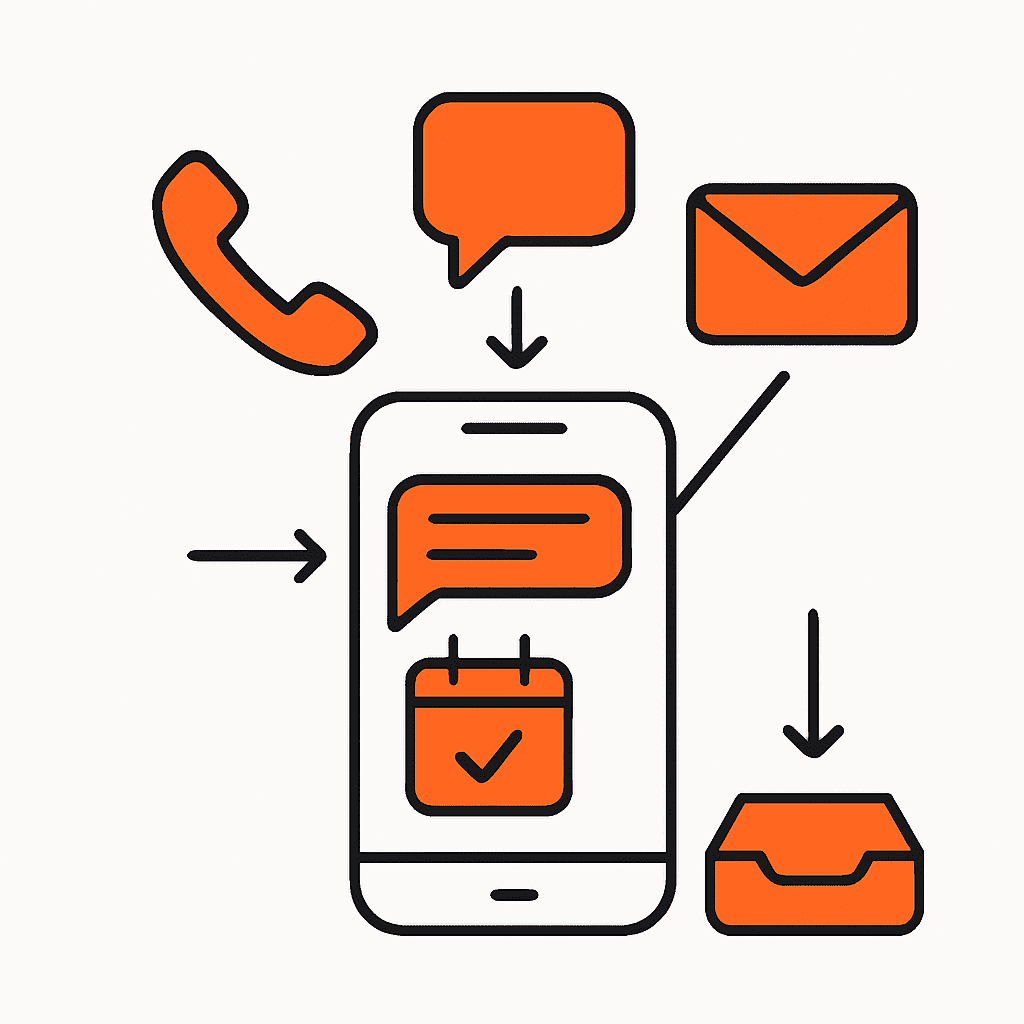
5. Centralise All Your Lead Sources
One of the biggest reasons leads slip through the cracks is because enquiries come from all over the place:
- Facebook Messenger
- Google Business Profile messages
- Website forms
- SMS
Bringing all these channels into a single inbox means nothing gets missed—and lets you trigger automatic replies no matter where a lead comes from.
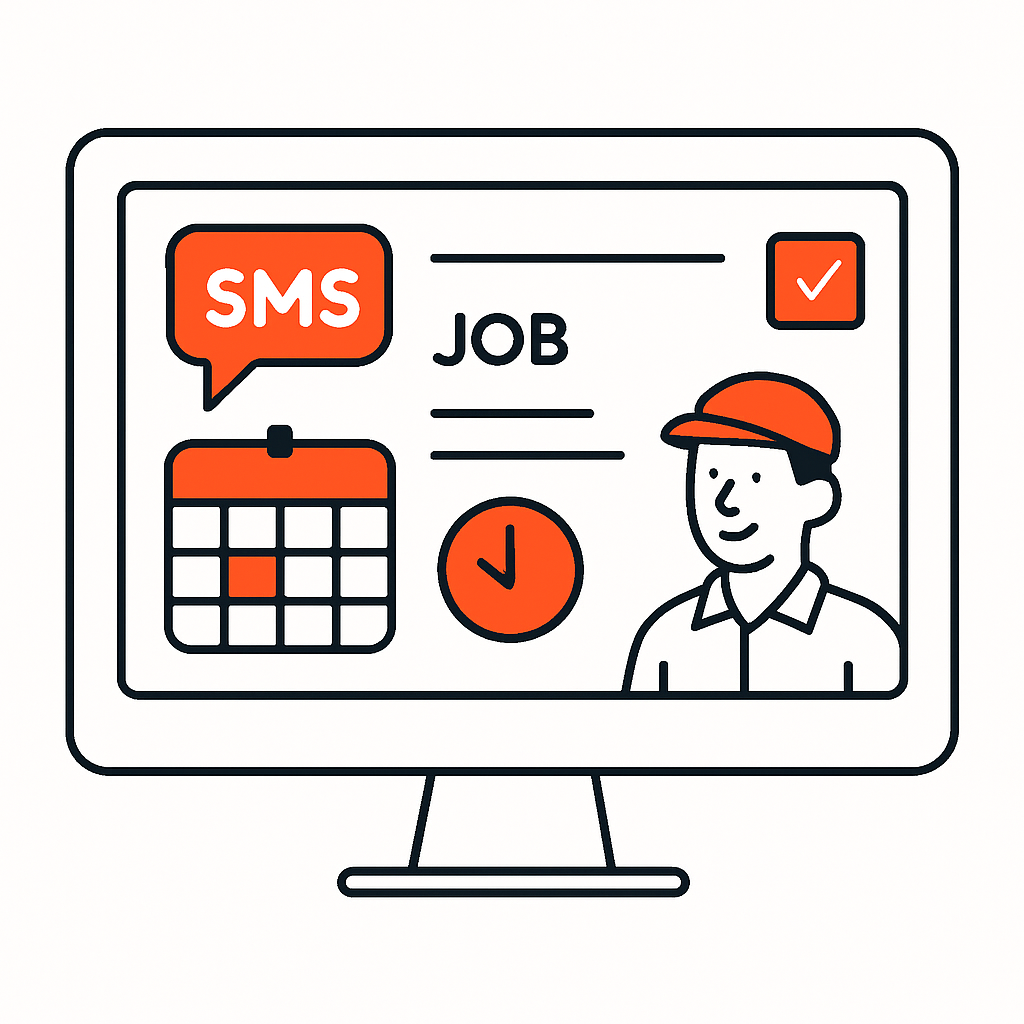
6. Use Job Management Software to Automate the Workflow
Job management tools like Taskly connect quoting, scheduling, invoicing, and lead follow-up all in one place. This means:
- Instant automated messages for new enquiries
- Automatic follow-up reminders
- Easy quote sending while on the go
- Faster job scheduling and confirmation
It seriously cuts down admin—especially for solo operators or small teams.
For example, Taskly’s quoting tools let you send a professional quote from your phone in under a minute—or automate parts of the process entirely.
Best Practices for Fast, Effective Lead Responses
To get the most out of your systems, keep these principles in mind:
Be Clear About Next Steps
People want to know what happens next after they get in touch. Your automated reply should include:
- An acknowledgement (“We’ve received your message”)
- Expectation setting (“We’ll be in touch within X hours”)
- Optional next steps (“You can also book a time here…”)
Follow Up More Than Once
Most leads don’t convert with just one reply. A quick check-in later (“Just following up on your earlier enquiry”) can boost your conversion rates significantly.
Keep Your Tone Friendly and Human
Even automated messages can feel personal. Use simple language and avoid sounding robotic.
Make It Easy for Customers to Book or Provide Details
The fewer hoops customers have to jump through upfront, the faster things move. If they can fill out key info online, there’s less back-and-forth for you later.
Real-World Example
Here’s how a typical home-service business might automate their lead process:
- Lead submits an enquiry on the website
- Instant SMS: “Thanks for your message! We’ll be in touch shortly.”
- Lead receives a link to book or request a quote
- You review and confirm when you’re free
- The job is added to your schedule automatically
This workflow cuts down time, reduces admin headache, and boosts conversion rates—all without dragging you away from the job at hand.

Final Thoughts: Leverage Tools So You Can Stay on the Tools
Responding quickly to leads doesn’t mean being chained to your phone. With automation, templates, online bookings, and smart job management software, you can deliver lightning-fast customer service while focusing on the work you love.
Ready to streamline your quoting, scheduling, and lead follow-up? See how Taskly can help you get it sorted. Check out the full range of features at taskly.co.nz.